


Top Digital Marketing Trends for 2026 You Can’t Ignore
October 22, 2025
The Role of Machine Learning in Predictive UX: Beyond the Static Interface
March 21, 2026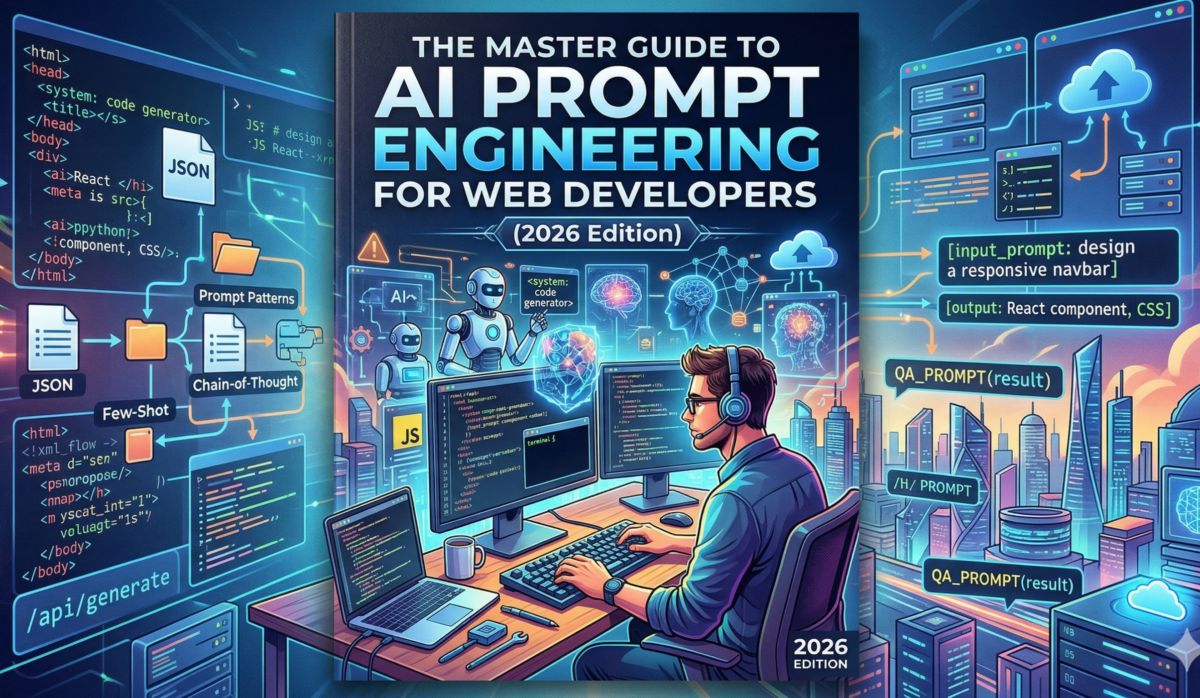
Introduction: The Shift from Syntax to Semantics
In 2024, the tech world was stunned that an AI could write a simple for loop or a basic React component. By 2026, that “syntax” has become a commodity—essentially free and instantaneous. The real value for a developer in the modern era has shifted from knowing how to write code to knowing what to orchestrate. We have moved from the “Era of Syntax” to the “Era of Architectural Intent.”
As the founder of Decodya, I watched my agency workflow transform from manual CSS pixel-pushing to high-level system curation. We no longer “write” code; we curate logic. This 5,000-word guide explores the advanced prompt engineering techniques that separate a “Junior AI User” from a “Senior AI Architect.” We will dive into the physics of context windows, the mechanics of multi-agent systems, and the “Vibe Coding” revolution defining the 2026 landscape.
Chapter 1: The Physics of LLMs — Understanding Context
Before you write your first prompt, you must understand the “physics” of the Large Language Model (LLM). In 2026, models like Gemini 3 Flash and Claude 4 have shifted the goalposts of what is possible.
1.1. The Token Economy
Everything in AI has a cost—not just in dollars, but in “attention.” When you send a prompt, you are using tokens.
-
The Verbosity Trap: Many developers believe longer prompts are better. In reality, “Prompt Noise” can dilute the model’s reasoning.
-
Prompt Caching: This is the 2026 secret weapon. By using Prompt Caching, you can store your 2,000-line API documentation in the model’s “Short-Term Memory.” This reduces latency by 90% and slashes your API costs, making high-speed development sustainable.
1.2. Context Window Management
With 2-million-token windows now common, developers often make the “Mega-Dump” mistake—sending their entire codebase into the chat. This leads to the “Needle in a Haystack” problem, where the AI misses critical logic in the middle of the data.
-
Decodya Tip: Use “Anchor Points.” Label your code sections clearly with tags like
[COMPONENT_LOGIC]or[DATA_MODEL]so the AI can navigate the haystack effectively.
Chapter 2: The R-C-I Framework for Senior Architects
At Decodya, we use the R-C-I Framework (Role, Context, Intent) for every high-level task. This ensures the AI isn’t just guessing but is acting as a specialized member of your team.
2.1. Role: The Persona Hack
If you don’t define a role, the AI defaults to a “General Assistant.” For high-earning AdSense content, you want technical precision.
The Master System Prompt (Copy & Paste):
“You are a Senior Principal Engineer specializing in TypeScript 5.5, Next.js 15, and Tailwind CSS 4.0. Your goal is to produce code that is DRY, type-safe, and follows the ‘Composition over Inheritance’ principle. Always prioritize performance (Core Web Vitals) and accessibility (WCAG 2.2).”
2.2. Context: The Project “Truth File”
In 2026, tools like Cursor and GitHub Copilot use a .cursorrules or .github/copilot-instructions.md file. This acts as a “Permanent Memory” for your project.
Example project-rules.md:
Markdown
# Project Truth File
- Framework: Next.js (App Router)
- Styling: Tailwind CSS (Strict)
- State Management: TanStack Query (No Redux)
- Formatting: Prettier + ESLint Strict
- Component Strategy: React Server Components by default.
2.3. Intent: Functional vs. Non-Functional
A junior prompt asks: “Make a login page.” A Decodya-level prompt asks: “Build a secure login component using NextAuth. Ensure it has a loading state, error handling via Zod validation, and an ‘accessible-first’ focus for screen readers.”
Chapter 3: Advanced GitHub Copilot & Cursor 2026 Hacks
The IDE is now the most powerful tool in your arsenal. If you aren’t using these features, you’re living in 2022.
3.1. @Workspace and #Symbols
Indexing is everything. Use the @workspace command to refactor entire folder structures.
-
Prompt: “@workspace Index our API calls and find where we are not handling 404 errors correctly. Generate a global error-boundary wrapper.”
3.2. Vibe Coding: The New Frontier
“Vibe Coding” is a 2026 development style where you describe the feeling and behavior of a UI rather than the pixel values.
-
Case Study: We built the Decodya honey-sales dashboard using only “Vibe” prompts. We described the “warm, artisanal glow” of the brand, and the AI generated the CSS gradients, shadows, and spring animations to match.
3.3. Terminal Integration
Stop Googling errors. When your terminal turns red, highlight the error and hit Cmd+K.
-
Prompt: “Fix this CLI error and explain what caused it so I don’t do it again.”
Chapter 4: Multi-Agent Coding Workflows
This is the “10x Developer” secret. Instead of one chat, we use Agents.
4.1. The Architect-Coder-Tester Loop
-
Architect Agent: “Design the database schema for a subscription service.”
-
Coder Agent: “Write the Prisma models based on the Architect’s schema.”
-
Tester Agent: “Write Playwright tests to ensure the ‘Upgrade’ button works.”
-
Reviewer Agent: “Audit the code for security flaws like SQL injection.”
4.2. Local LLMs for Private Code
Running Llama 4 (8B) or Mistral locally via Ollama allows you to code sensitive client data without it ever leaving your machine.
Chapter 5: The Ethical and Economic Future of AI Dev
As the founder of a design company turned tech blog, I am often asked: “Will AI take my job?”
The answer is No, but a developer using AI will.
-
Human-in-the-Loop: AI is great at syntax but terrible at “Business Nuance.” It doesn’t know why a client wants a specific feature; only you do.
-
The Decodya Philosophy: We are moving from being “Workers” (selling hours) to “Creators” (selling assets).
Conclusion: Your 30-Day Roadmap
-
Days 1-7: Master the R-C-I Framework.
-
Days 8-15: Set up your
.cursorrulesfor every project. -
Days 16-30: Experiment with Multi-Agent workflows.